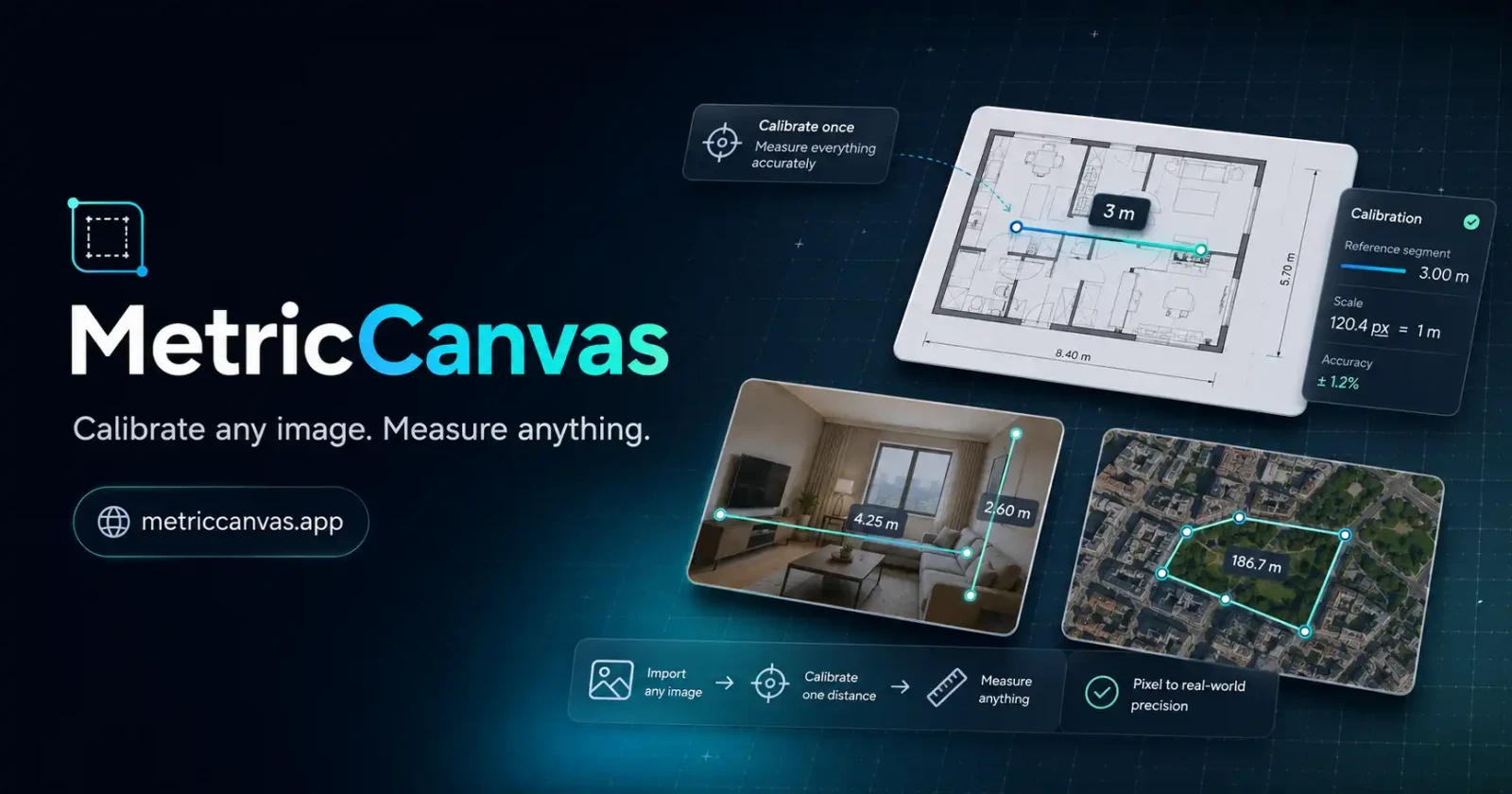
Areas and technologies
- web
- nuxt
- tool
- i18n
—
Freelance- Input
Images from a file or dragged onto the canvas
- Units
Millimetres, centimetres, metres, feet and inches
- Output
Annotated PNG image and CSV or TXT data
- Session
Saved locally in the browser
- Web
Nuxt 3, Vue and Pinia, with an interface in nine languages
A free tool for measuring on an image from a known distance.
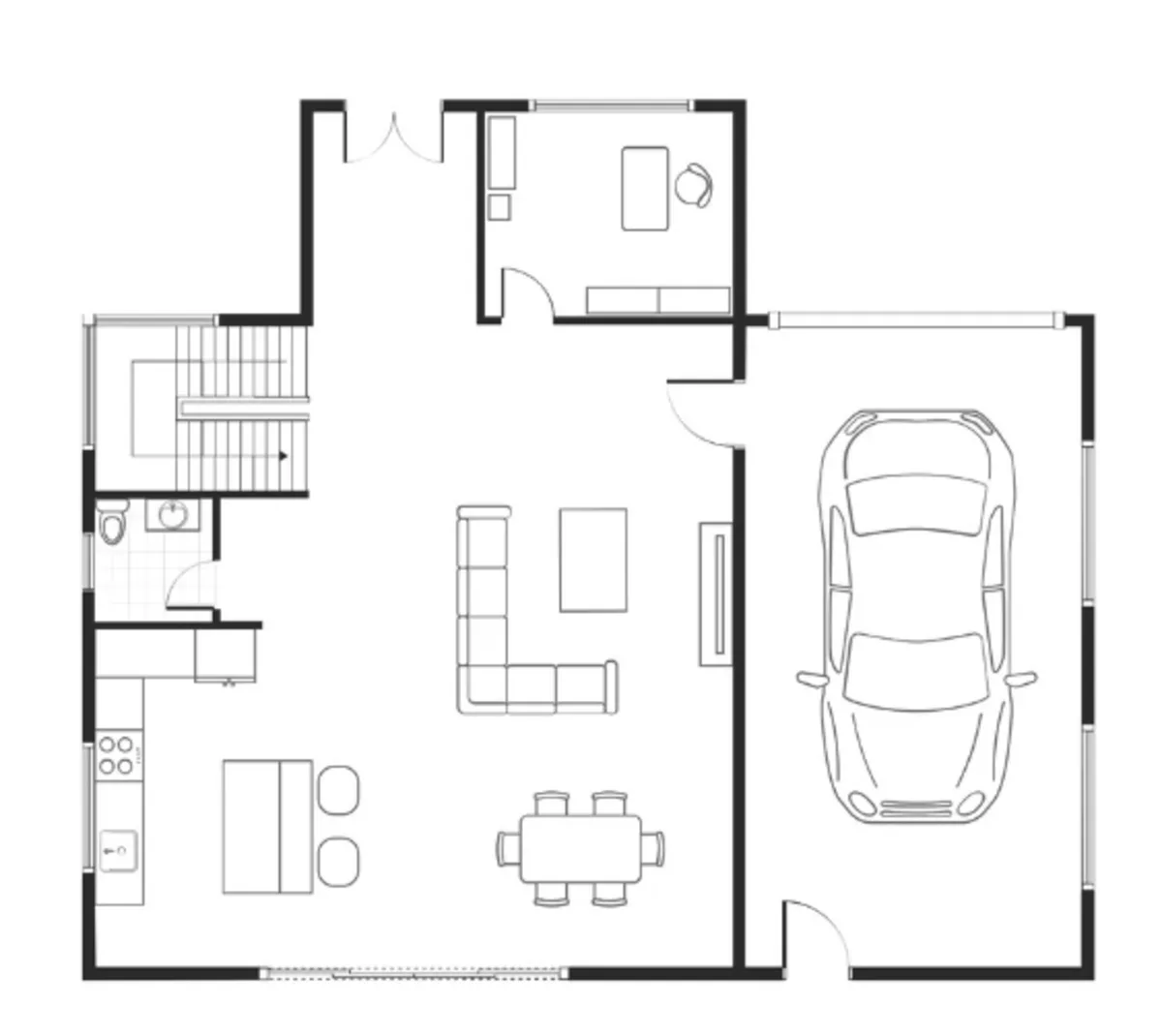
MetricCanvas turns an image with a known measurement into a surface you can measure on. It can be a floor plan, a technical drawing or a map: you mark a reference distance and the tool calculates the rest at the same scale.
One reference, many measurements
Calibration is set with a line or with the diameter of a circle. Its real length gives the ratio between pixels and units. Adjusting the reference recalculates the measurements on the drawing. Accuracy depends on that reference and on the image keeping a consistent scale.
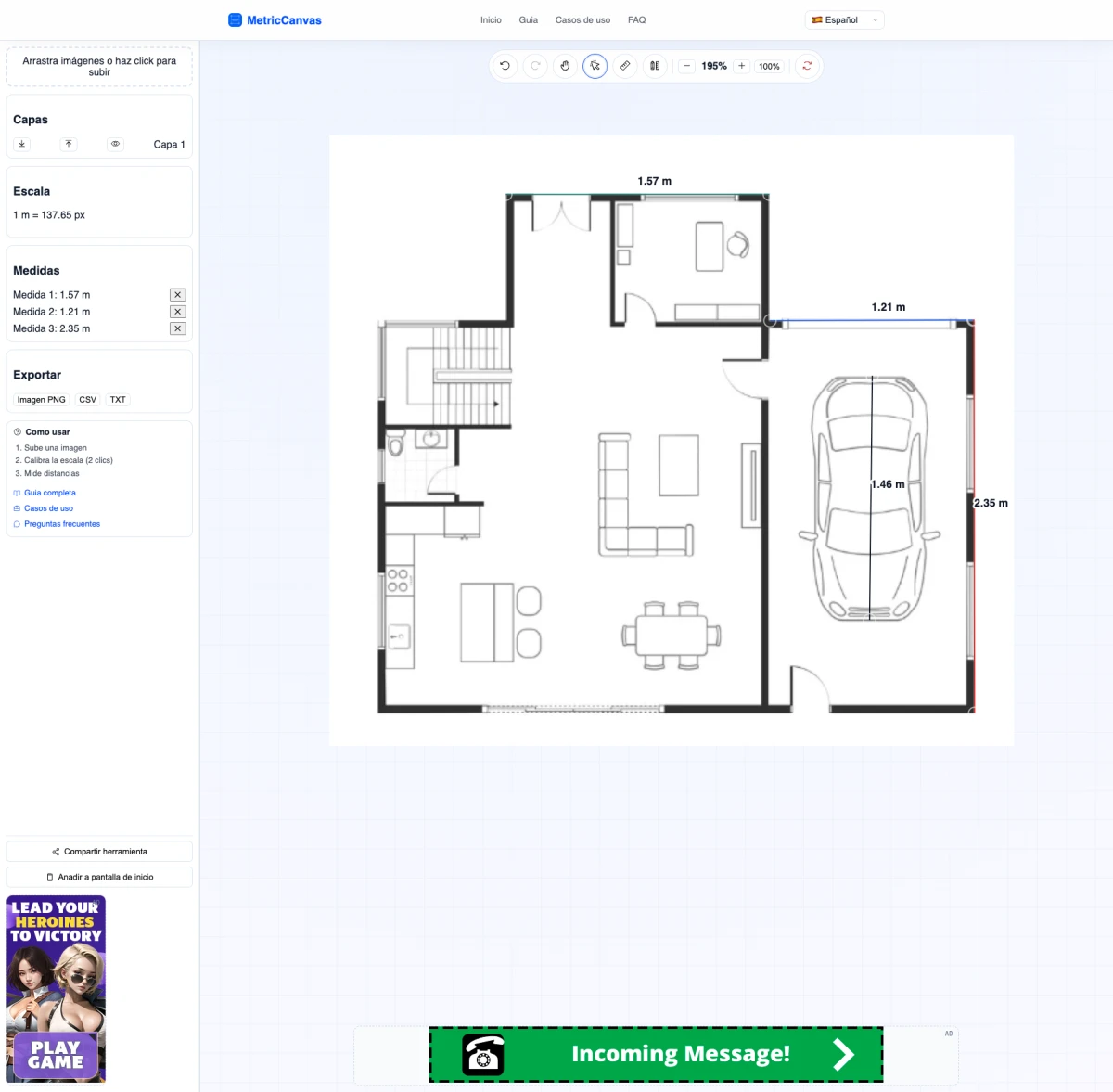
Working on the canvas
I built a canvas with zoom and pan for placing images, drawing distances and editing their labels. Layers let you order and hide elements; history lets you undo and redo without starting over.
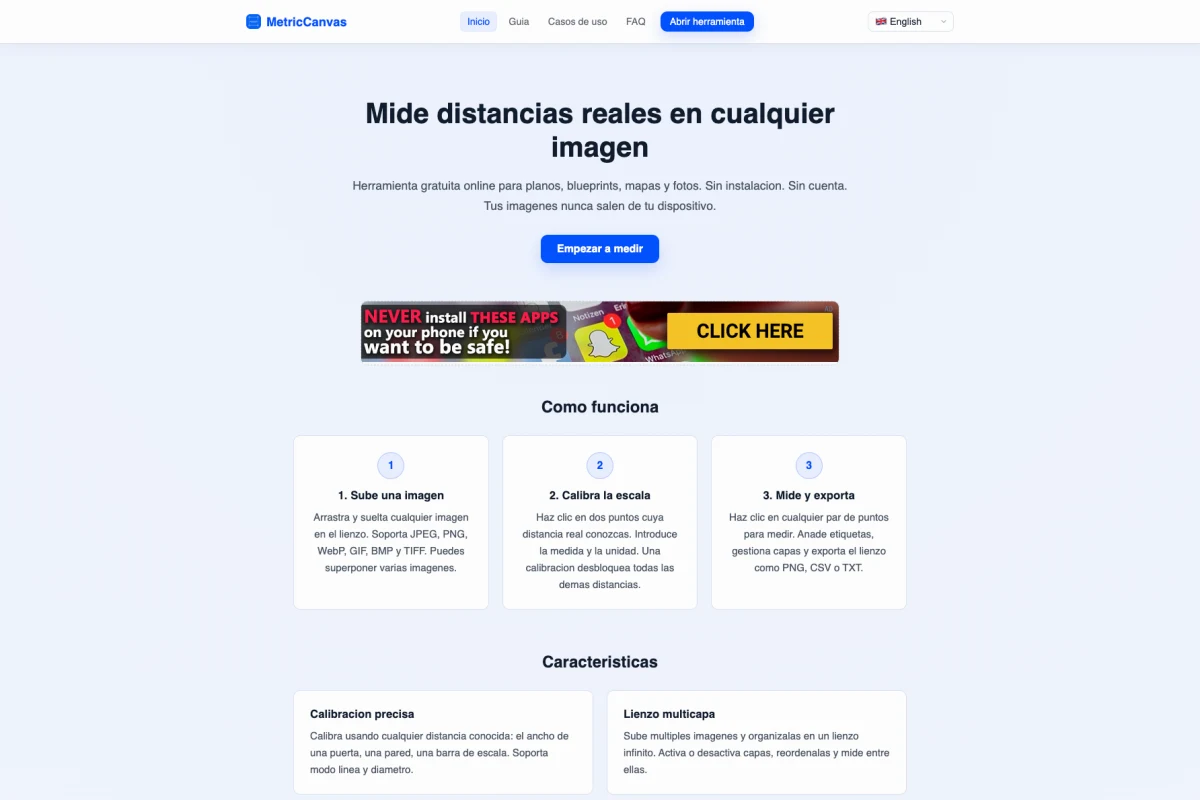
All image work happens in the browser. There is no need to send images to a server to measure them. The application is free.
Donation-Pool
A platform for creating donation campaigns, accepting payments and tracking fundraising.
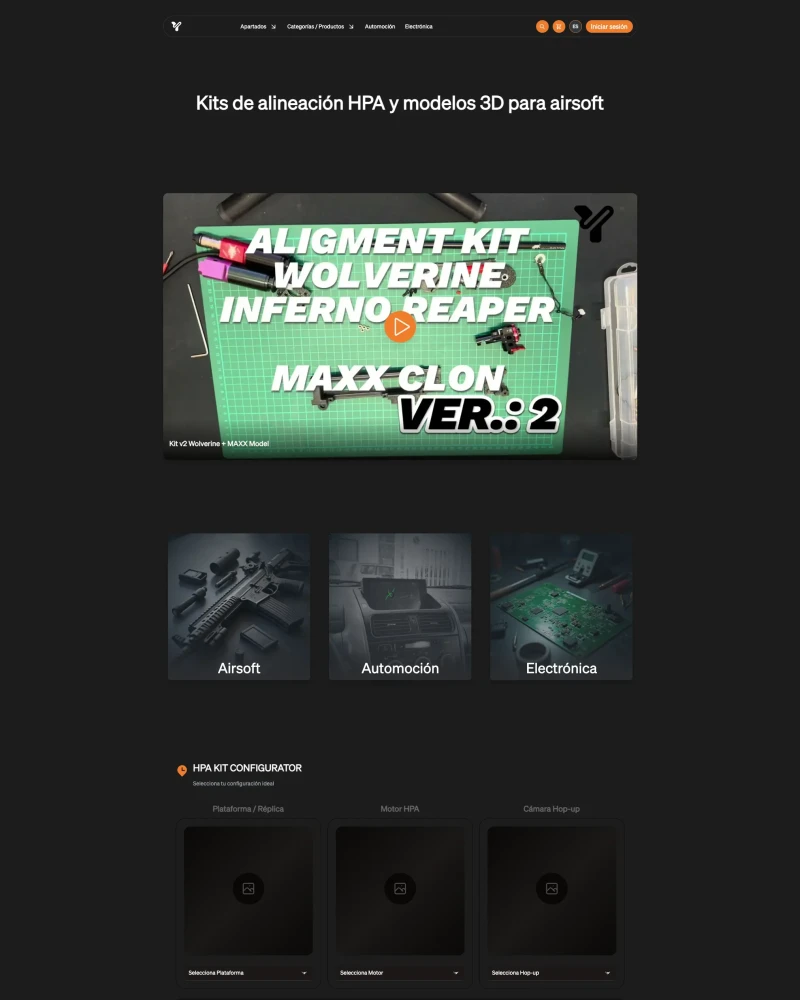
Sychev-Lab
My shop and lab: HPA kits, 3D models and tutorials at lab.sychev.xyz.
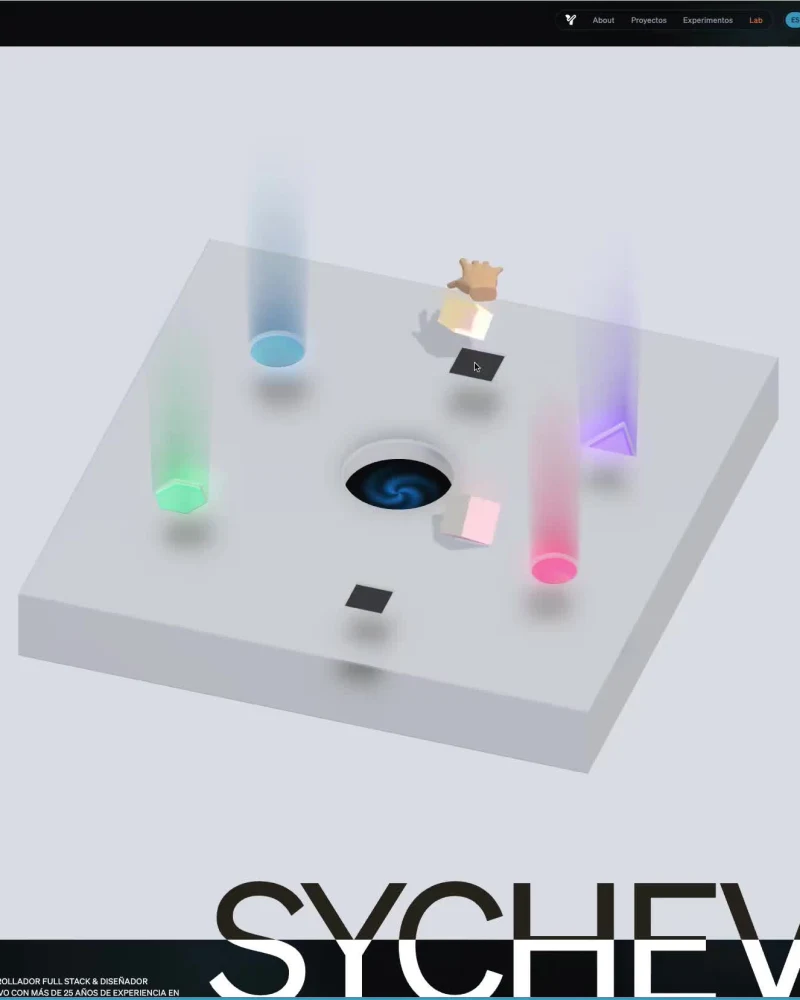
Sychev Portfolio 2026
In developmentA personal portfolio gathering most of my projects, or at least the ones I have records of.